The Art Of Toning
$50.00
In stock
Save this product for later
The Art Of Toning
Product Details
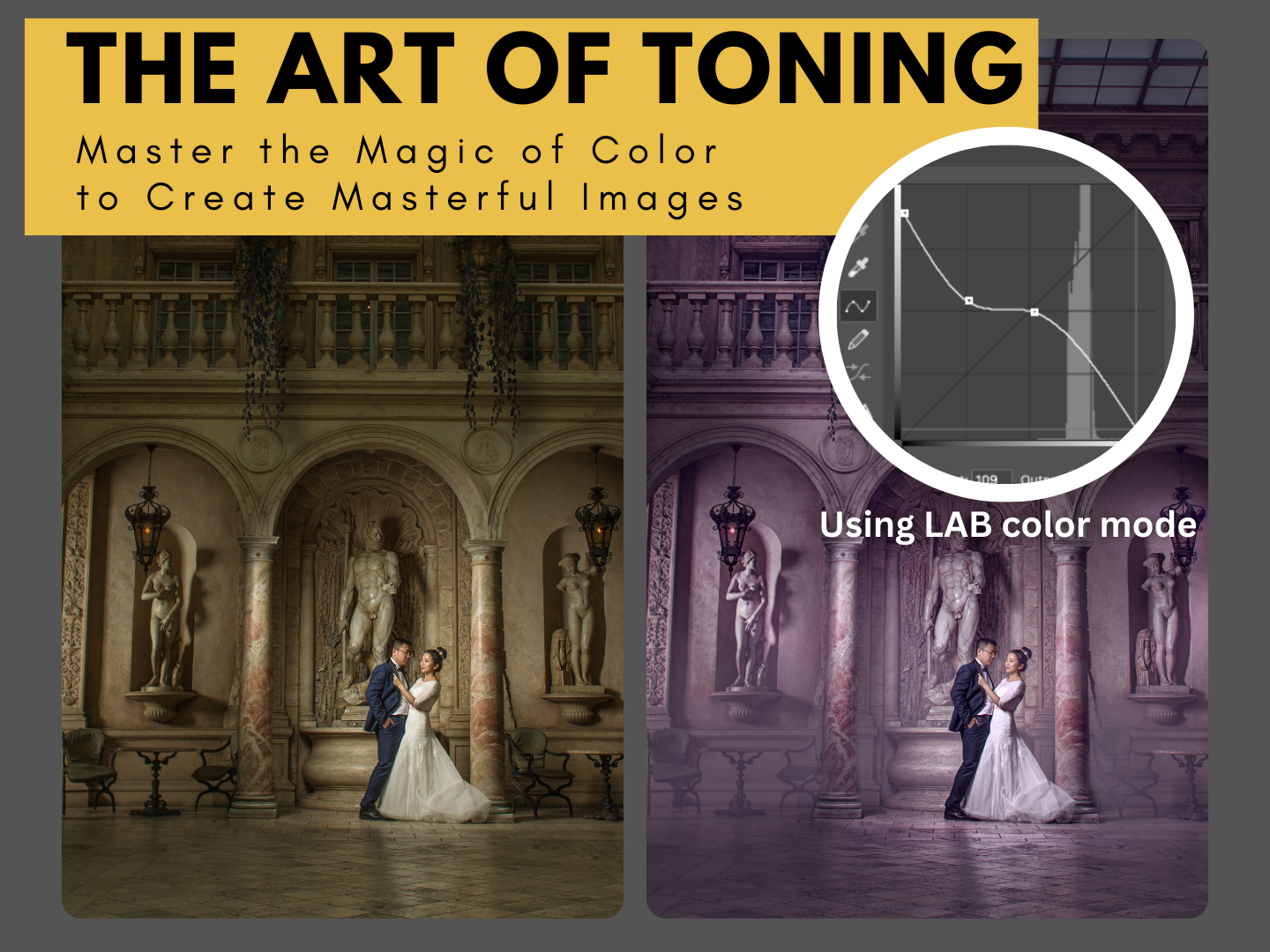
Video lesson "The Art Of Toning. Master the Magic of Color to Create Masterful Images".
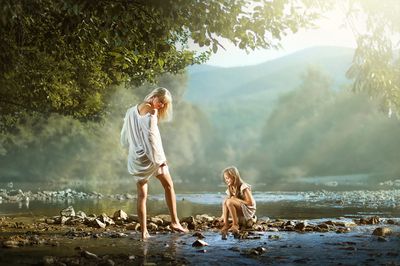
In this Photoshop tutorial, I'll show you photo editing techniques using author's toning. I'll explain what the LAB color space is in Photoshop and how to use LAB curves to tone photos in Photoshop.
This technique will help you avoid dirty colors and give your photos a unique, personalized look.
Brief description.
The Method: Toning a photo using the Lab Color mode for advanced color control.
Key Steps:
1. Introduction & Reasons for Toning (0:08 - 1:28)
2. Convert to Smart Object (2:01 - 2:28)
The layer is converted into a Smart Object for non-destructive editing.
3. Switch to Lab Color Mode (2:49 - 3:11)
Inside the Smart Object, the color mode is changed from RGB to Lab.
4. Tone with Curves (3:22 - 4:59)
A Curves adjustment layer is used to manipulate the A (Green/Magenta) and B (Blue/Yellow) channels to create the color grade.
5. Protect Skin Tones with a Mask (5:07 - 6:20)
A layer mask is created and refined to remove the tint from the subjects' skin for a natural look.
6. Save and Apply Changes (6:27 - 6:45)
The Smart Object is saved and closed, applying the final toned image to the main project.
Video-lesson includes 7 min entire workflow video, psd-file with all layers .
TABLE OF CONTENT:
1. 7 min workflow video.
2. 2 psd files with all layers.
Language : ENG
Subtitle available.
This product is a downloadable (Around 0,8 Gb of data)
You May Also Like
For Wedding Photographers
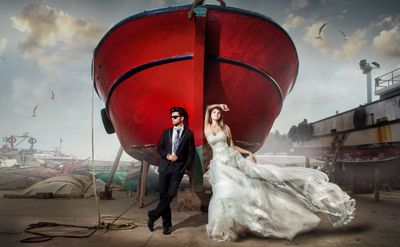
Fine Art Photoshop Editing — Wedding Bundle (6 Lessons)
Fine Art Photoshop Editing — Wedding Bundle (6 Lessons)
Downloadable fine art Photoshop wedding editing lessons with layered PSD files. Learn real depth, light, and elegant color — not presets.
$150.00
For Child Photographers
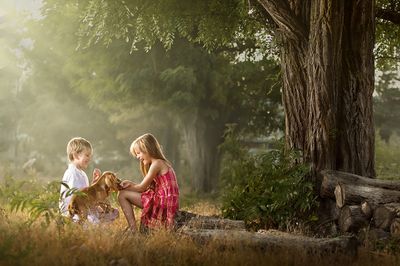
Fine Art Photoshop Editing — Children Bundle (8 Lessons)
Fine Art Photoshop Editing — Children Bundle (8 Lessons)
Downloadable fine art Photoshop lessons with layered PSD files. Learn real depth, softness, and atmosphere in child photography — not presets.
$179.00
Best Value
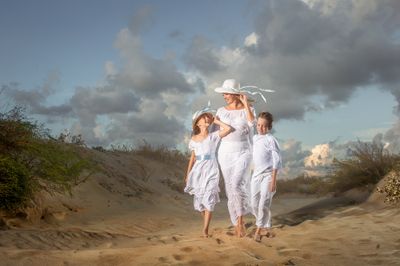
Fine Art Photoshop Editing: Complete 12-Lesson System
Fine Art Photoshop Editing: Complete 12-Lesson System
Downloadable fine art Photoshop lessons with layered PSD files. Learn real depth, softness, and atmosphere in child photography — not presets.
$200.00

Display prices in:USD